Apps & Plugins
The Apps & Plugins page lists the applications, plugins, and extensions that consume AI Foundry's capabilities. Each of them is registered as an App: a catalog resource that represents a client of AI Foundry, for example an IDE-based coding assistant such as Claude Code.
Registering an App makes a client visible in the catalog and lets you group the built-in tools it provides, so you can see at a glance which capabilities belong to which application.
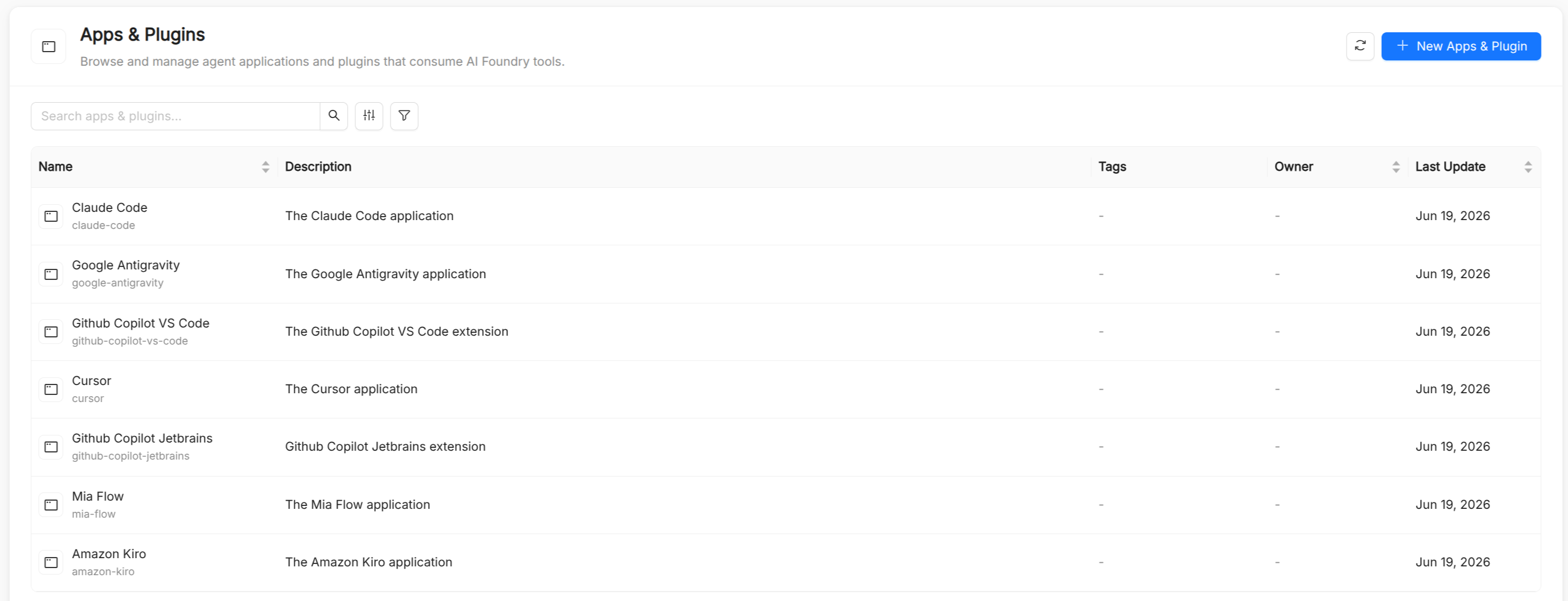
An App describes a client application; it does not configure the connection itself. To connect a tool to your AI Foundry catalog, see Third-party integrations and Manual download.
App reference
An App carries only the common catalog metadata:
| Field | Required | Description |
|---|---|---|
Title | Yes | Display name shown in the UI, for example "Claude Code". |
Name | Yes | Unique identifier, automatically derived from Title. |
Description | Yes | What the application or plugin is, and how it uses AI Foundry. |
Tags | No | Free-form, multi-value tags that make the App easier to find and filter. |
Grouping built-in tools by App
A built-in Tool must declare which App it belongs to through its Application field. This groups built-in tools by the client application or plugin that owns them, in the same way as tools sourced from an MCP Server are grouped by the server that exposes them. In the Tools list you can filter by Application to see every tool an App provides.
Managing Apps
From the Apps & Plugins page you can search and filter the registered Apps, create a new one, and open an App to see its details and the built-in tools that belong to it. Viewing Apps requires permission to read catalog items; creating or editing them requires permission to write them.
See also
- Tool: built-in tools declare their owning App.
- MCP Server: the equivalent grouping mechanism for externally sourced tools.
- Third-party integrations: connect IDEs and coding assistants to your catalog.