Skill
A Skill is a catalog resource that packages a specialized guideline to accomplish a task. Where a Tool wraps a single atomic operation (call this API, run this query), a skill captures a multi-step capability together with the knowledge, templates, and scripts needed to exercise it, for example "summarize a document", "classify intent", or "draft a reply in brand voice".
Skills can be attached to Agents and Playbooks, so the same capability can be shared across many agents without duplicating its instructions. Skills follow the SKILL.md format used by coding assistants, so the same skill also works in your IDE once exported.
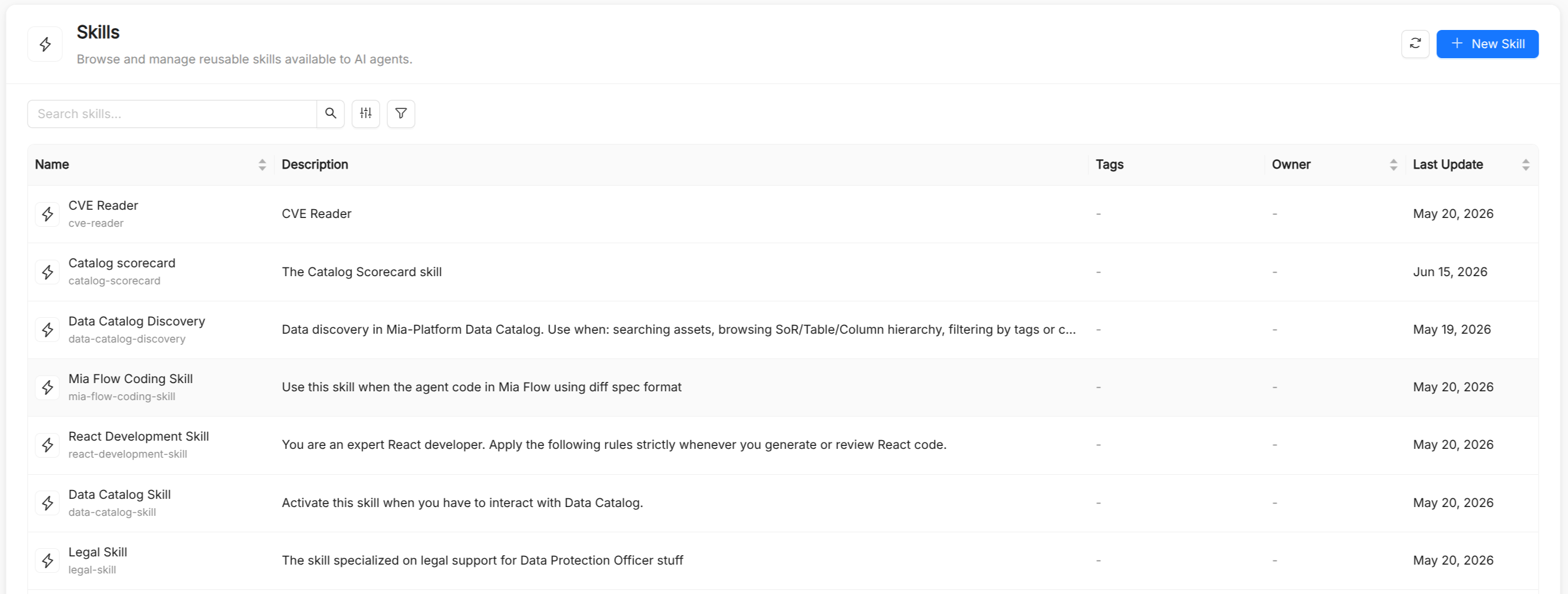
Skill reference
Besides the common metadata (Title, Name, Description, and optional Tags), a skill has the spec fields below. The Name is auto-derived from the title, can contain lowercase letters, digits, dots, and hyphens (starting and ending with a letter or digit, up to 63 characters), and is immutable after creation. It is referenced in Agent.spec.skills and Playbook.spec.skills. The Description matters: it is what tells the model when the skill is relevant.
| Field | Type | Required | Description |
|---|---|---|---|
manifest | string | Yes | The full skill instructions in Markdown (the content of SKILL.md). The form provides a Markdown editor with an Edit/Preview toggle. |
refs | object | No | Reference documents, as a map of file name to Markdown content (for example style guides or domain glossaries). |
assets | object | No | Asset files, as a map of file name to content (for example templates, schemas, API docs, or examples). |
scripts | object | No | Executable scripts, as a map of file name to source code (.py, .sh, or .bash). |
In the creation form, Refs, Assets, and Scripts are editable lists of file name and content pairs. A JSON view lets you edit the whole spec directly.
How agents use skills
Skills are loaded on demand rather than pasted into the agent's instructions. The agent sees the name and description of each attached skill and, when a request matches, loads the skill's manifest and then only the reference or asset files it needs. Scripts bundled with a skill run in a sandboxed code executor.
In the AI Playground you can enable or disable individual skills for a live session, without modifying the agent or the playbook. A disabled skill cannot be listed or loaded by the agent.
Exporting skills to IDEs
Skills are exported, on their own or as part of a playbook plugin, in the layout each coding assistant expects:
| Target | Location |
|---|---|
| Claude Code | .claude/skills/<name>/SKILL.md, with references/, templates/ (assets), and scripts/ subfolders |
| GitHub Copilot (VS Code), Cursor, JetBrains, Antigravity | .github/skills/<name>/SKILL.md, with the same subfolders |
| Amazon Kiro | .kiro/steering/<name>.md, as a steering document with manual inclusion |
When a skill is exported, its title and description are written as the SKILL.md frontmatter. If the manifest already starts with a YAML frontmatter block (---), it is exported verbatim.
Skills vs. tools
| Aspect | Skill | Tool |
|---|---|---|
| Abstraction level | High: a multi-step, knowledge-rich capability | Low: a single executable operation |
| Where the logic lives | In the catalog item (manifest, refs, assets, scripts) | In the AI Foundry runtime or on an MCP server |
| Attached to | Agents and playbooks | Agents |
| Typical use | Writing, reasoning, and classification patterns; team procedures | API calls, database queries, web search, code execution |